PowerISO (64-bit) Review- A Versatile Disc Image Tool
Read our comprehensive review of PowerISO (64-bit), the free disc image and burning software. Discover its features for ISO creation, burning, and emulation.
Introduction: The Swiss Army Knife of Disc Images
In the modern digital world, physical discs like CDs and DVDs are less common. However, the need to work with disc images—files that act as exact copies of these physical discs—is still very real. PowerISO is a versatile utility that serves as a one-stop-shop for handling these files. This free software allows you to create, edit, extract, burn, and even emulate disc images. This review explores its features, its strengths, and who it’s best suited for.
What is PowerISO (64-bit)?
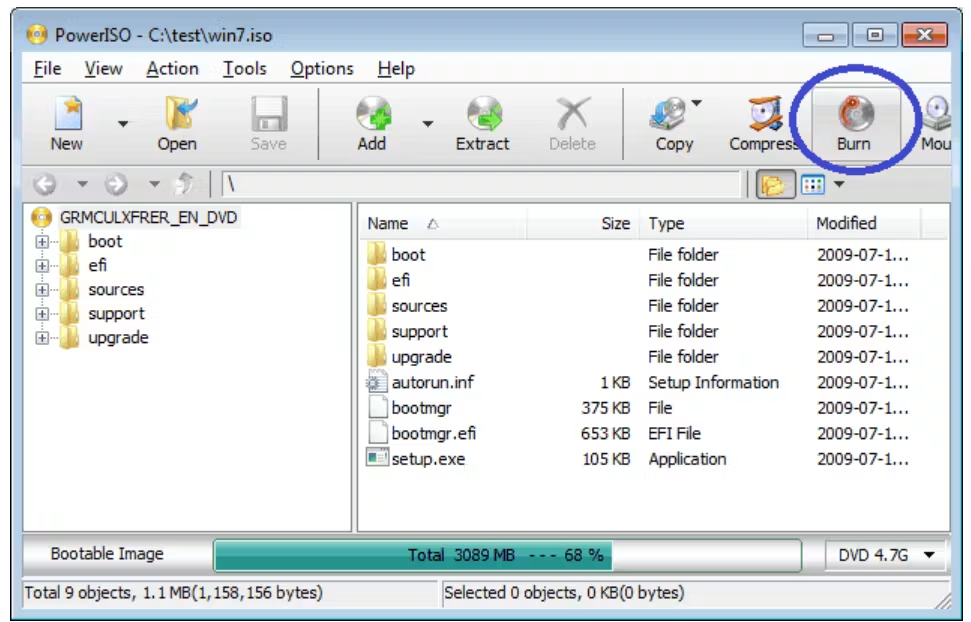
PowerISO is a powerful and feature-rich disc image utility for Windows. It’s designed to be a comprehensive tool for all your disc-related needs, allowing you to:
- Create Disc Images: Create ISO, BIN, and other image files from CDs, DVDs, and Blu-ray discs.
- Burn Disc Images: Burn ISO, CUE, and other image files to physical discs.
- Edit Disc Images: Add, delete, rename, and extract files and folders within ISO files.
- Mount Images: Emulate a virtual drive to access the contents of an ISO file as if it were a physical disc.
This 64-bit version is optimized for modern, 64-bit processors, taking full advantage of your system’s capabilities. It is available as a free trial, but the functionality is limited; a paid license unlocks its full potential.
Key Features of PowerISO
Broad Format Support
PowerISO supports a wide range of disc image formats, including:
- Standard Formats: ISO, BIN, CUE, and UDF.
- Apple Formats: DMG (Apple Disk Image).
- Other Formats: NRG (Nero), IMG, and CDI.
Virtual Drive and Emulation
One of PowerISO’s standout features is its built-in virtual drive. This allows you to mount a disc image and access its contents directly from Windows Explorer, just as you would with a physical disc. This eliminates the need for separate virtual drive software, making the process much more convenient.
Disc Burning and Ripping
PowerISO provides a full suite of disc burning and ripping capabilities:
- Burn ISO Files: Burn ISO and other image files to CD, DVD, and Blu-ray discs.
- Rip Audio CD: Extract audio tracks from CDs to MP3, FLAC, WAV, and other formats.
- Create Bootable USB: Create a bootable USB drive from an ISO file, which is essential for installing operating systems.
File Management
The software allows you to treat ISO files like ZIP archives. You can add, delete, rename, and extract files and folders within an ISO file, making it easy to customize and update disc images.
Pros and Cons of PowerISO
Pros
- Free: A free trial version is available with core features.
- User-Friendly: The interface is intuitive and easy to navigate for basic tasks.
- Format Support: It supports a wide variety of disc image formats.
- Integrated Emulator: The built-in virtual drive is a major convenience.
Cons
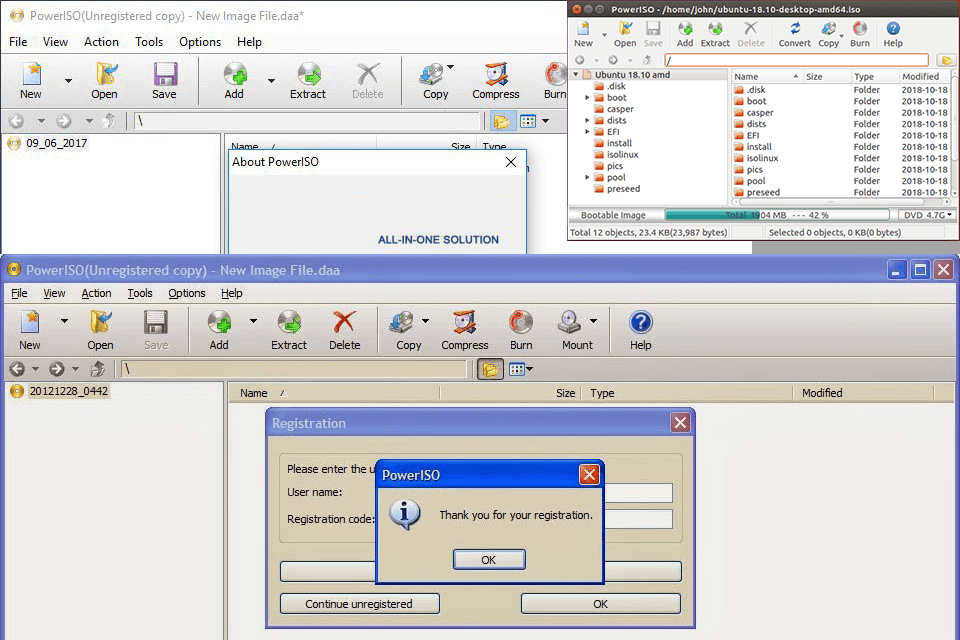
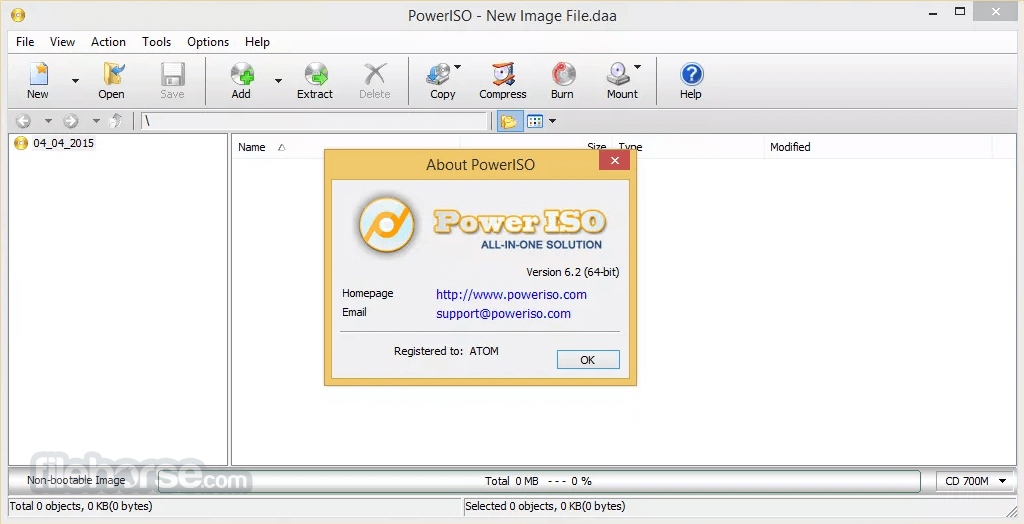
- Modern Interface: The interface can feel a bit dated and cluttered.
- Bundled Software: The installer may try to install additional, unrelated programs. Pay close attention during installation.
- Limited Advanced Features: Compared to paid competitors, it lacks some advanced features like multi-session burning and disc encryption.
- Paid Upgrade: To unlock all features and get technical support, you must purchase a license.
Who Is PowerISO For?
- Casual Users: It’s a great tool for everyday tasks like creating ISO files from a CD or mounting an image to install a game.
- IT Professionals: For creating bootable USBs and managing system image files.
- Anyone Who Works with Disc Images: For users who frequently deal with ISO, BIN, and other disc image formats.
Frequently Asked Questions (FAQs)
1. Is PowerISO free to use?
PowerISO is available as a free trial with limited functionality. To access all features, you need to purchase a license.
2. What is a virtual drive?
A virtual drive emulates a physical CD/DVD/Blu-ray drive. It allows you to “mount” a disc image (like an ISO file) so that your computer treats it as if you have inserted a physical disc.
3. Can PowerISO create a bootable USB drive?
Yes, PowerISO includes a feature to create a bootable USB drive from an ISO file.
4. What disc image formats does PowerISO support?
It supports a wide range of formats, including ISO, BIN, CUE, UDF, DMG, NRG, IMG, and CDI.
5. Does PowerISO work on Windows 11?
Yes, PowerISO is compatible with Windows 11, as well as earlier versions like Windows 10, 8, and 7.
Conclusion: A Solid Utility for Disc Image Tasks
PowerISO is a reliable and feature-rich tool for anyone who works with disc images. Its user-friendly interface, broad format support, and built-in emulator make it a practical choice for both casual and advanced users. However, the dated interface and the potential for bundled software during installation are drawbacks to be aware of. For its intended purpose of managing and manipulating disc images, PowerISO remains a solid and effective utility.



