AltServer for Windows Review- Sideloading Apps
Read our comprehensive review of AltServer for Windows, the tool that lets you install third-party apps on iOS devices without jailbreaking. Learn how it works and its key features.
Introduction: Breaking Free from the App Store
For years, Apple users have been limited to the official App Store for installing applications on their iPhones and iPads. This walled garden approach ensures security and quality, but it also restricts users from accessing apps that may not meet Apple’s strict guidelines. AltServer offers a solution to this limitation. Developed by Riley Testut, this free, open-source tool allows you to install third-party applications on non-jailbroken iOS devices. This review explores what AltServer is, how it works, and who it’s for.
What is AltServer?
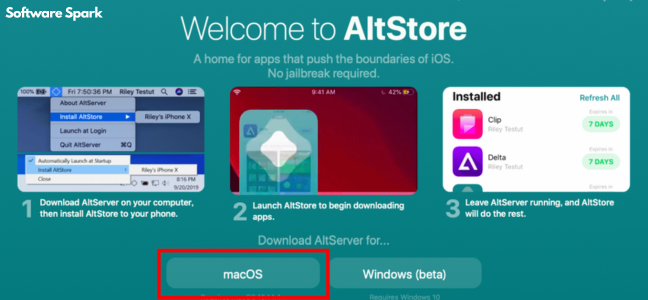
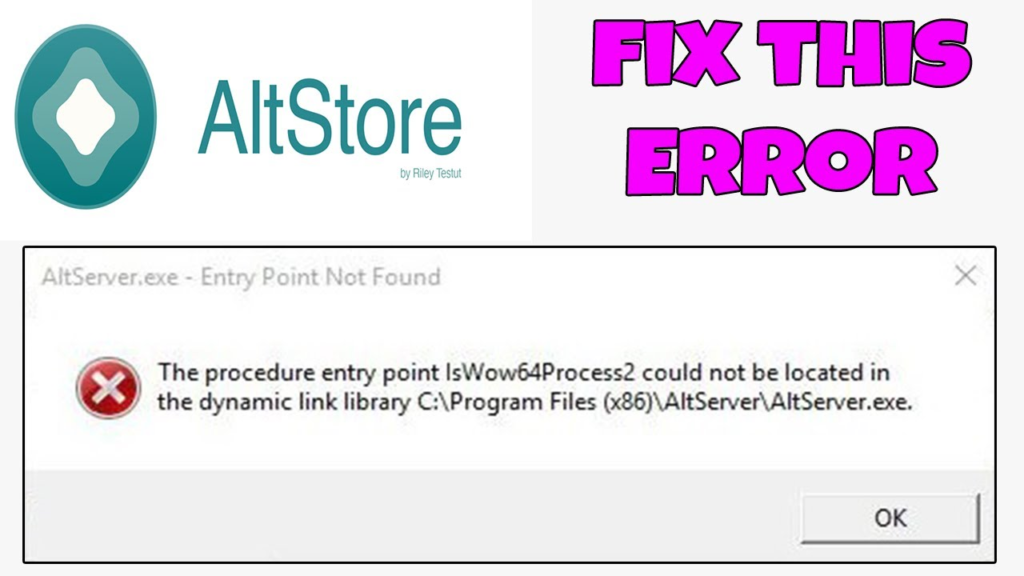
AltServer is a free, open-source desktop application for Windows and macOS that acts as a bridge between your computer and your iOS device. Its primary purpose is to facilitate the installation of apps from outside the official App Store—a process known as “sideloading” .
The software was created by Riley Testut, an independent iOS developer known for his work on popular emulators like GBA4iOS and Delta . His motivation was to provide a way for users to install apps that Apple might not allow on its official store, such as video game emulators, without requiring a jailbreak .
How It Works
The process involves two main components working together :
- AltStore on iOS: This is the “alternative app store” that you install on your iPhone or iPad.
- AltServer on your PC: This is the desktop application that handles the signing and installation of apps.
The Installation Process:
- You run AltServer on your Windows PC and connect your iOS device via USB .
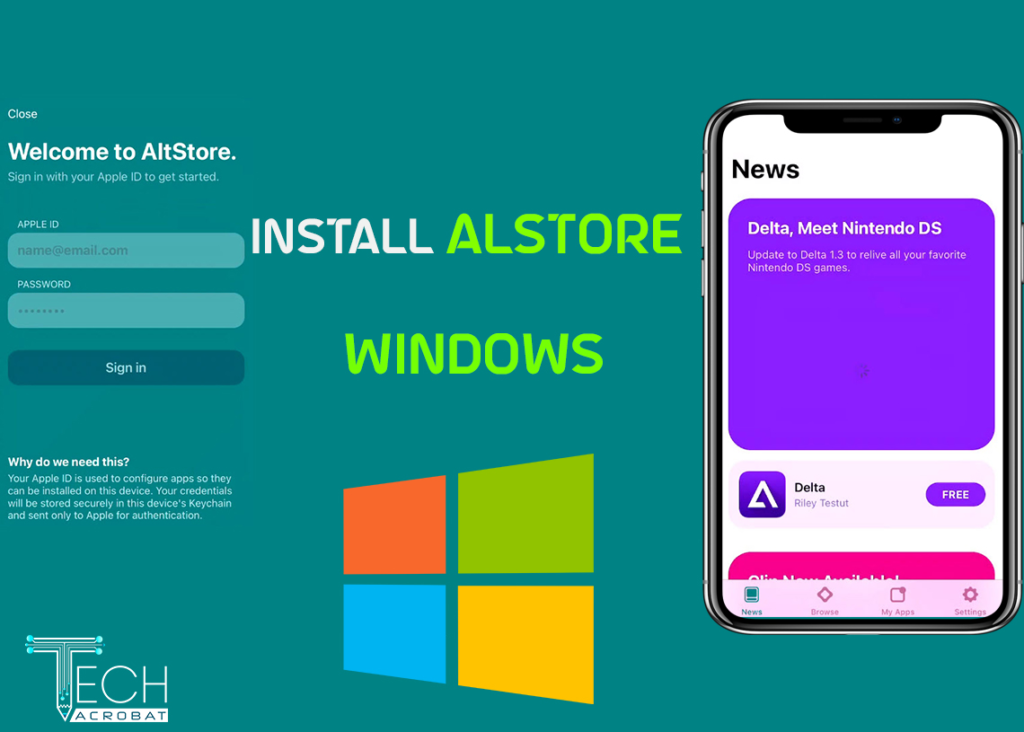
- Using AltServer, you install the AltStore app onto your iOS device. This requires you to enter your Apple ID, which is used to authenticate with Apple’s servers and create a personal development certificate .
- Once AltStore is on your device, you can use it to download and install
.ipafiles (iOS app packages). AltStore sends these files to AltServer on your PC, which signs them with your personal certificate and installs them back onto your device using iTunes Wi-Fi Sync technology .
The 7-Day Limit
A key limitation of this method is that apps installed via AltStore expire after 7 days . This is a restriction imposed by Apple’s free developer certificates.
To prevent your sideloaded apps from expiring, AltStore can “refresh” them automatically in the background . This requires your iOS device to be on the same Wi-Fi network as your computer running AltServer. When you open AltStore, it will attempt to reconnect to AltServer to refresh your apps and renew their validity for another 7 days .
Key Features of AltServer
No Jailbreak Required
The most significant advantage is that you can install third-party apps without compromising your device’s security or warranty by jailbreaking it .
Open-Source and Free
AltServer and AltStore are open-source, meaning their code is publicly available for review. This provides transparency and trust for technically inclined users . The software is also free to download and use, though the AltStore PAL version in the EU charges a small annual fee to cover Apple’s “Core Technology Fee” .
A Gateway for Indie Developers
AltStore has positioned itself as a platform for independent developers who might not want to navigate the official App Store process or whose apps might not be approved . It has attracted over 100 developers and hosts a wide variety of apps, including emulators and even applications that would not be allowed on the App Store, such as adult content .
Growing Ecosystem
AltStore has seen significant growth, particularly in the European Union following the enforcement of the Digital Markets Act (DMA), which forced Apple to allow third-party app marketplaces . The company has raised $6 million in funding to expand into new markets like Australia, Brazil, and Japan .
Pros and Cons
Pros
- Freedom: Allows installation of apps not available on the App Store.
- No Jailbreak: Safe and secure method.
- Free: AltStore and AltServer are free (with some regional exceptions).
- Open-Source: Offers transparency for users concerned about security.
Cons
- Technical Setup: Requires some technical knowledge and involves multiple steps.
- 7-Day Expiration: Apps must be refreshed every 7 days using AltServer.
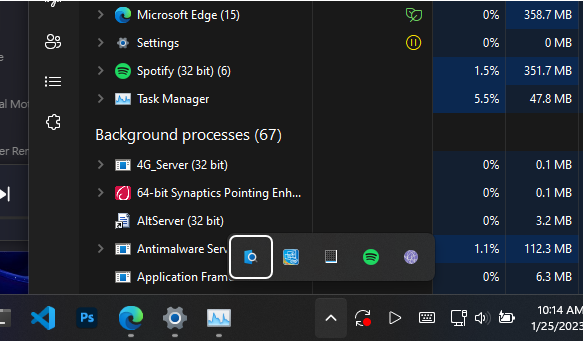
- Windows Setup Requirements: On Windows, you must install iTunes and iCloud directly from Apple (not the Microsoft Store) for the software to work properly .
- Wi-Fi Dependency: Background app refresh requires your device to be on the same Wi-Fi network as your PC running AltServer.
Frequently Asked Questions (FAQs)
1. Is AltServer free?
Yes, AltServer is free to download and use. However, in the EU, the AltStore PAL version charges a small annual fee to cover Apple’s Core Technology Fee .
2. Do I need to jailbreak my iPhone to use AltServer?
No, AltServer and AltStore are specifically designed for non-jailbroken devices .
3. Why do my apps expire after 7 days?
This is a restriction of the free Apple Developer certificates used to sign the apps. AltStore can refresh them automatically to prevent expiry .
4. What do I need to install AltStore on Windows?
You need a Windows PC (Windows 10 or 11), an iOS device running iOS 14 or later, a USB cable, an Apple ID, and you must install iTunes and iCloud from Apple’s website, not the Microsoft Store .
5. Is AltServer legal?
Yes, using AltServer and AltStore is legal. It uses official Apple methods for app signing and installation, as the creator’s goal was to avoid illegal methods like jailbreaking .
Conclusion
AltServer is a powerful tool that opens up the iOS ecosystem, providing a way to install apps beyond the App Store’s walled garden. It represents a significant shift for Apple users who want more control over their devices. While it requires some technical setup and the 7-day refresh cycle can be a minor inconvenience, its benefits—no jailbreak required, free and open-source nature, and access to a wider world of apps—make it an essential utility for many iOS users.



