Microsoft Office Professional Plus- Review of Its Features and Value
Microsoft Office Professional Plus 2013 represents a significant milestone in the evolution of productivity software. Released during a time when cloud computing and touch-enabled devices were becoming mainstream, this suite brought a fresh approach to how individuals and businesses create, collaborate, and communicate. While newer versions have since been released, Office 2013 remains relevant for many users who seek a powerful, one-time purchase solution without subscription commitments.
What is Office Professional Plus 2013?
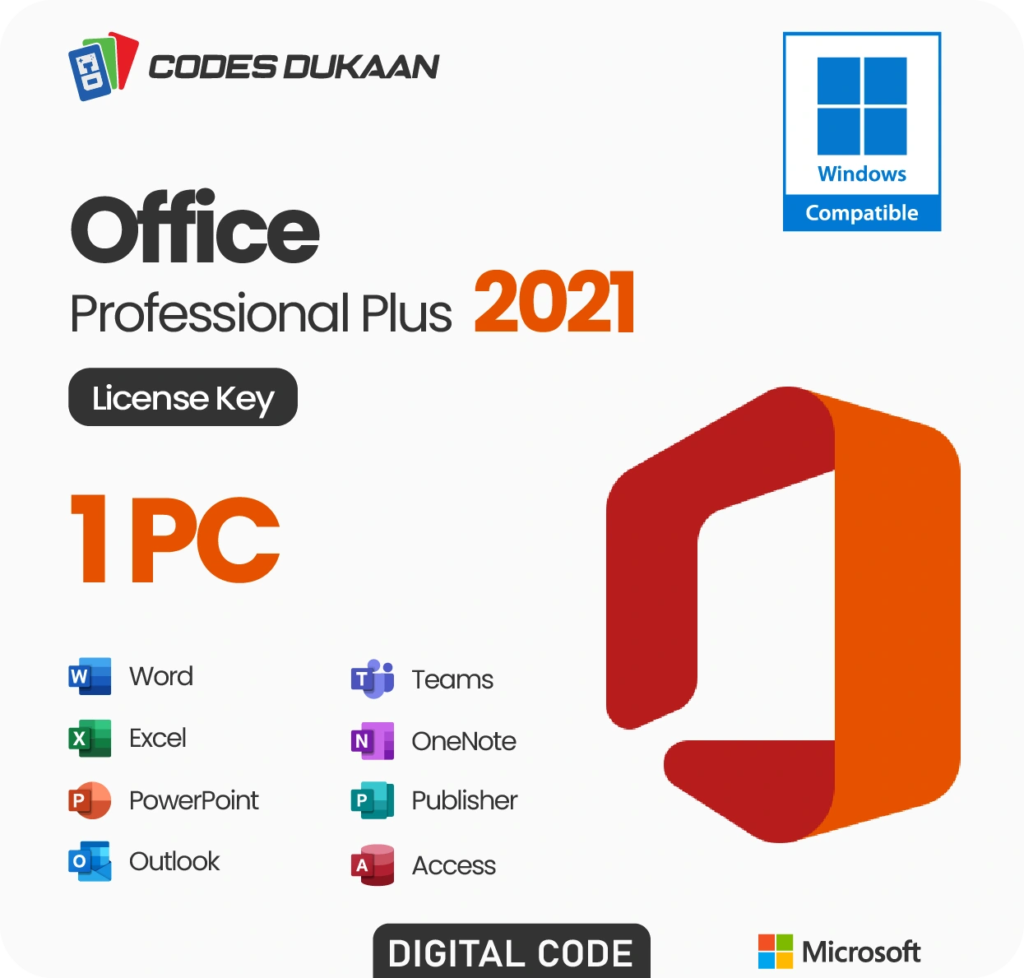
Microsoft Office Professional Plus 2013 is an advanced productivity suite designed for business environments and power users. It includes the core applications essential for modern work: Word, Excel, PowerPoint, Outlook, OneNote, Access, Publisher, and Lync . This version was optimized for Windows 7, Windows 8, and later operating systems, making it accessible to a wide range of users .
The suite was available through various channels, including volume licensing for businesses and a 60-day trial version for users to evaluate its capabilities before purchase . This trial period allowed organizations to test compatibility and performance within their existing infrastructure.
Key Features and Capabilities
Modern Touch-Enabled Interface
One of the most noticeable changes in Office 2013 was its modern, clean interface designed to work seamlessly with both traditional mouse-and-keyboard setups and touch-enabled devices . The Metro-style interface brought a fresh aesthetic, with larger buttons and improved navigation that made the software more accessible on tablets and hybrid devices . Users could switch to Touch Mode, which expanded the spacing between commands, making it easier to use the suite on touchscreens .
Cloud Integration with SkyDrive
Office 2013 marked a major push toward cloud computing by deeply integrating Microsoft’s SkyDrive (now OneDrive) cloud storage service . This integration allowed users to save documents directly to the cloud, access them from multiple devices, and collaborate with colleagues in real-time . The ability to store settings, preferences, and templates in the cloud meant users could maintain a consistent experience across different computers .
Enhanced Collaboration Tools
Collaboration received significant attention in this release. Word, PowerPoint, and other applications introduced threaded comments, allowing team members to respond to feedback within documents . The Simple Markup view in Word provided a clean way to review tracked changes while maintaining visibility of edits . These features made it easier for teams to work together on projects, regardless of their physical location.
Smart Features in Individual Applications
Each application in the Office Professional Plus 2013 suite received meaningful updates:
Word introduced the ability to open and edit PDF documents directly, saving time and eliminating the need for separate conversion tools . The new Read Mode improved the reading experience, particularly on tablets, by optimizing the display for comfortable viewing .
Excel gained powerful features like Flash Fill, which automatically recognized patterns in data entry and completed fields accordingly . The software also offered chart recommendations, making it easier for users to visualize data effectively . These enhancements brought advanced data analysis capabilities to a broader audience.
PowerPoint introduced a Presenter View that allowed speakers to see their notes and upcoming slides while the audience viewed only the current slide . New native graphics tools reduced the need for external design software, enabling users to create professional-looking presentations more efficiently.
Outlook streamlined email management with inline replies and consolidated contact information into “people cards” that displayed social network connections and other relevant details .
System Requirements and Compatibility
Before installing Office Professional Plus 2013, it was important to ensure your system met the minimum requirements. The suite required a 1 GHz or faster processor with SSE2 instruction set, 1 GB RAM for 32-bit systems or 2 GB for 64-bit systems, and 3 GB of available hard disk space . A DirectX 10 graphics card and a display resolution of at least 1024 x 576 pixels were also necessary for full functionality .
The suite was compatible with Windows 7, Windows 8, Windows 10, Windows Server 2008 R2, and Windows Server 2012 . It was notable that Windows XP and Windows Vista were not supported , which aligned with Microsoft’s strategy to encourage upgrades to newer operating systems.
Deployment and Management for IT Professionals
For organizations, Office Professional Plus 2013 offered improved deployment tools and management capabilities. The Click-to-Run virtualization technology simplified installation and updates . IT administrators could use telemetry tools to monitor application performance, compatibility, and health across their organization . These controls enabled proactive management and faster troubleshooting, reducing downtime for end users.
Advantages for Businesses
The Professional Plus edition was particularly well-suited for businesses due to its comprehensive application set and enterprise-focused features. Access and Publisher provided specialized tools for database management and desktop publishing, while Lync facilitated communication and conferencing . The suite’s compatibility with existing IT infrastructure and group policy management tools made it easier for organizations to maintain control over software deployment and configuration .
Considerations for Potential Users
While Office Professional Plus 2013 offered many benefits, there were considerations to keep in mind. The suite was resource-intensive compared to previous versions , which could affect performance on older hardware. Additionally, users migrating from earlier Office versions needed to ensure compatibility with existing files and add-ins .
Some users found the interface changes required adjustment, and the number of available editions (Home, Small Business, Professional, etc.) could be confusing . However, once users became accustomed to the new layout, many appreciated the improved efficiency and modern design.
Conclusion
Microsoft Office Professional Plus 2013 was a forward-looking productivity suite that successfully balanced traditional office needs with emerging technologies like cloud storage and touch interfaces. Its robust feature set, improved collaboration tools, and enterprise-focused management capabilities made it a valuable asset for businesses and professionals. While newer versions have since been released, Office 2013 remains a solid choice for users seeking a reliable, one-time purchase solution that covers all essential productivity needs.
Frequently Asked Questions
1. What applications are included in Office Professional Plus 2013?
Office Professional Plus 2013 includes Word, Excel, PowerPoint, Outlook, OneNote, Access, Publisher, and Lync . This comprehensive suite covers word processing, spreadsheets, presentations, email and calendar management, note-taking, database creation, desktop publishing, and communication.
2. Is Office Professional Plus 2013 compatible with Windows 10?
Yes, Office Professional Plus 2013 is compatible with Windows 10, as well as Windows 7, Windows 8, and Windows Server 2012 . However, it is not supported on Windows XP or Windows Vista .
3. What are the system requirements for Office Professional Plus 2013?
The minimum system requirements are a 1 GHz processor with SSE2 instruction set, 1 GB RAM for 32-bit systems (2 GB for 64-bit), 3 GB of available hard disk space, and a DirectX 10 graphics card with a minimum resolution of 1024 x 576 pixels .
4. Can Office Professional Plus 2013 open and edit PDF files?
Yes, Word 2013 introduced the ability to open PDF documents and edit them directly within Word, maintaining the original formatting . This feature eliminated the need for separate PDF conversion software.
5. Is Office Professional Plus 2013 still available for purchase?
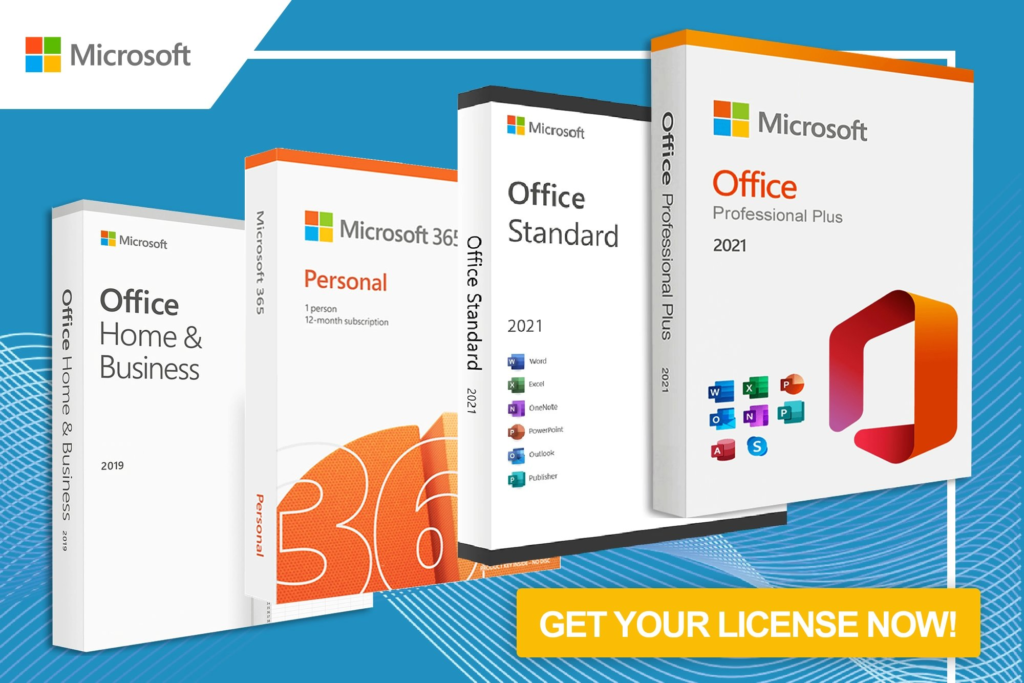
While Microsoft no longer sells Office 2013 as a primary product, it may still be available through third-party sellers or volume licensing channels . However, users should be aware that mainstream support for Office 2013 has ended, and security updates may be limited. Many users now consider Office 365 or newer versions for continued support and updates.



