WPA PSK Passphrase Generator Review- A Simple Security Tool
Read our comprehensive review of the WPA PSK Passphrase Generator, a free tool for creating secure, 63-character Wi-Fi passwords. Discover its features and ease of use.
Introduction: The Importance of a Strong Wi-Fi Password
In today’s connected world, securing your Wi-Fi network is paramount. A weak password is an open invitation to hackers and unauthorized users, putting your personal data and network resources at risk. One of the key components of a secure Wi-Fi network is a strong, random passphrase. The WPA PSK Passphrase Generator is a free, simple Windows utility designed to help users create these strong passphrases with ease. This review explores its features and why it’s a practical tool for any user.
What is the WPA PSK Passphrase Generator?
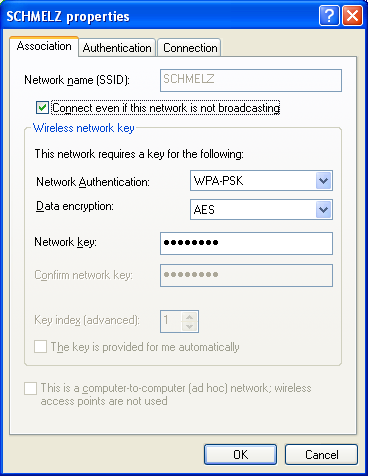
The WPA PSK Passphrase Generator is a free Windows utility that creates highly secure, random passphrases for your Wi-Fi network. Its primary purpose is to generate a strong, 63-character ASCII passphrase that is difficult for attackers to guess or crack. This passphrase is what you would use as the pre-shared key (PSK) for your wireless network, protecting it from unauthorized access.
The software is designed to be a simple, offline alternative to online generators, which could be compromised or used to collect your security information. By generating the passphrase on your own computer, you retain full control over the security of your network key.
Key Features of the Generator
Generates 63-Character Passphrases
The tool’s core function is to generate a 63-character ASCII passphrase. This length is the maximum allowed for WPA2-Personal networks, providing the highest possible level of security.
Safe Character Set
The generator uses a safe and reliable character set of A-Z, a-z, and 0-9. It excludes special characters (like punctuation) that can sometimes cause compatibility issues with certain networking hardware or older devices.
Copy to Clipboard
Once a passphrase is generated, you can easily copy it to your clipboard with a single click. This makes it simple to paste the complex password into your router’s settings or into a password manager.
Offline and Secure
By running on your own computer, the generator is a secure alternative to online passphrase generators. You don’t have to worry about your new password being transmitted over the internet or logged by a third-party website.
Why Use an Offline Generator?
Many people use online tools to generate passwords. However, these sites may log your generated passwords or be compromised by attackers. Using an offline tool like this ensures that your new passphrase is generated securely on your own machine, reducing the risk of it being intercepted or stolen.
Frequently Asked Questions (FAQs)
1. What is a WPA PSK?
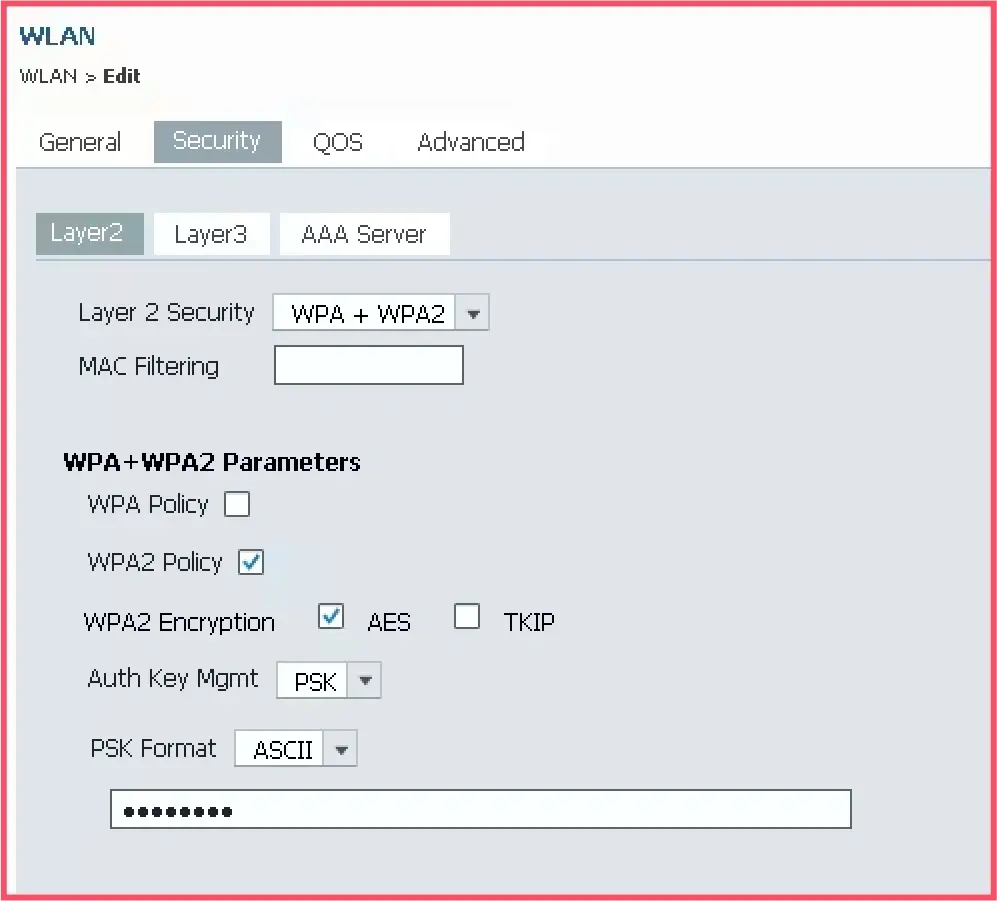
A WPA PSK (Pre-Shared Key) is the password you use to connect to a secured Wi-Fi network.
2. Is this generator free to use?
Yes, the WPA PSK Passphrase Generator is completely free to use.
3. What characters does it use?
It uses only letters (A-Z, a-z) and numbers (0-9). It avoids special characters to ensure maximum compatibility with all networking hardware.
4. How long is the passphrase?
The generator creates a passphrase that is exactly 63 characters long, which is the maximum length for WPA2-Personal.
5. Is this better than using an online generator?
Yes, this is a safer option. It generates the passphrase offline on your own computer, ensuring no one else can see or record it.
Conclusion: A Simple Tool for a Critical Task
The WPA PSK Passphrase Generator is a small, but incredibly useful, utility. It addresses a common need: creating a strong, secure password for your Wi-Fi network. Its straightforward design, safe character set, and offline functionality make it a practical and reliable tool for any user looking to enhance their network security. For a few seconds of effort, you can secure your network with a password that is practically impossible for an attacker to guess.



