
FlipAlbum Vista Suite- A Look at the 3D Digital Photo Album Creator
In the mid-2000s, sharing digital photos was a very different experience. Before the dominance of cloud storage and social media, creating a physical CD or a shareable digital file was the primary way to distribute memories. FlipAlbum Vista Suite was a software program designed to fill this niche by transforming ordinary digital photos into realistic, interactive 3D photo albums.
Developed by E-Book Systems Inc., the software was a popular choice for users looking for a more engaging way to present their photos than a simple folder of image files. This guide provides a comprehensive overview of the software, its features, and its place in the history of digital photo sharing.
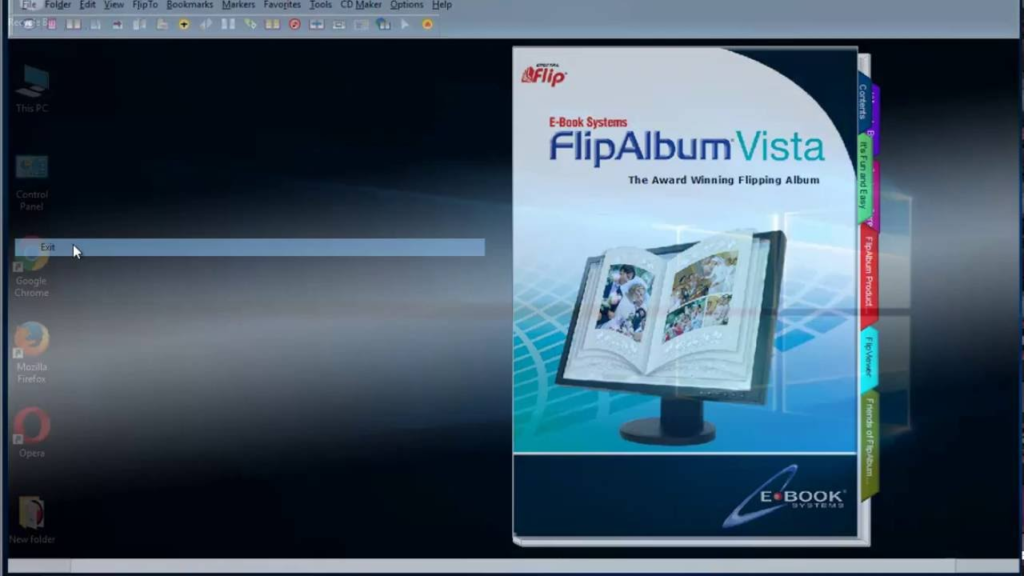
What Was FlipAlbum Vista Suite?
FlipAlbum Vista Suite was a software application that allowed users to create digital photo albums with a distinctive 3D page-flipping effect. The core idea was to replicate the tactile experience of browsing a physical photo album on a computer screen. Users could organize their photos, add annotations, and then share the finished album with friends and family, who could “flip” through the pages as if they were holding a real book.
The software was developed by E-Book Systems Inc., a company that focused on bringing the look and feel of paper-based books to the digital world with its patented Digital Flip® Technology. The “Vista Suite” version was specifically designed to be compatible with the then-new Windows Vista operating system.
Key Features and Functionality
The primary appeal of FlipAlbum Vista Suite was its ability to combine organization with an engaging visual presentation. Its key features included:
3D Page-Flipping Interface
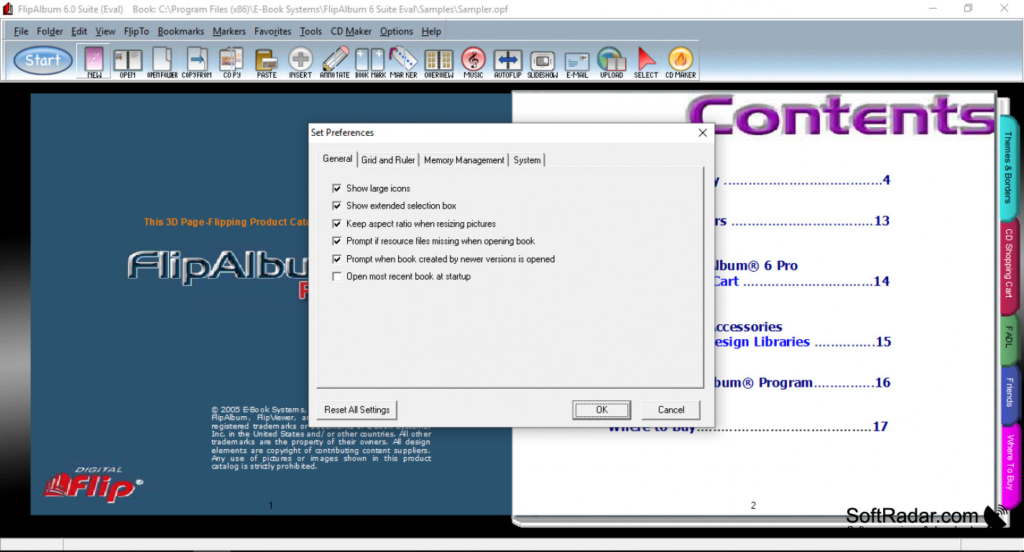
The signature feature of FlipAlbum was its intuitive 3D interface. Users could “flip” through pages with a simple mouse click or drag, recreating the physical sensation of turning a page. A table of contents, index, and bookmark functions were also included, allowing for easy navigation through the album. It was designed to be user-friendly, making it accessible even for those who were not particularly tech-savvy.
Album Creation and Editing
Creating an album was a straightforward process. Users could select a folder containing their digital images, and the software would automatically organize them into a book-like layout. The software supported a wide variety of file formats, including not just popular image types like JPG, PNG, and GIF, but also audio and video files like MP3, WAV, and AVI, allowing for rich, multimedia presentations.
Users also had extensive editing options. They could customize the layout, add annotations or comments to individual photos, and apply visual effects like 3D shadows to make images appear as if they were resting on the page. A basic image editing suite was also included, with options for rotating, resizing, and performing simple red-eye correction.
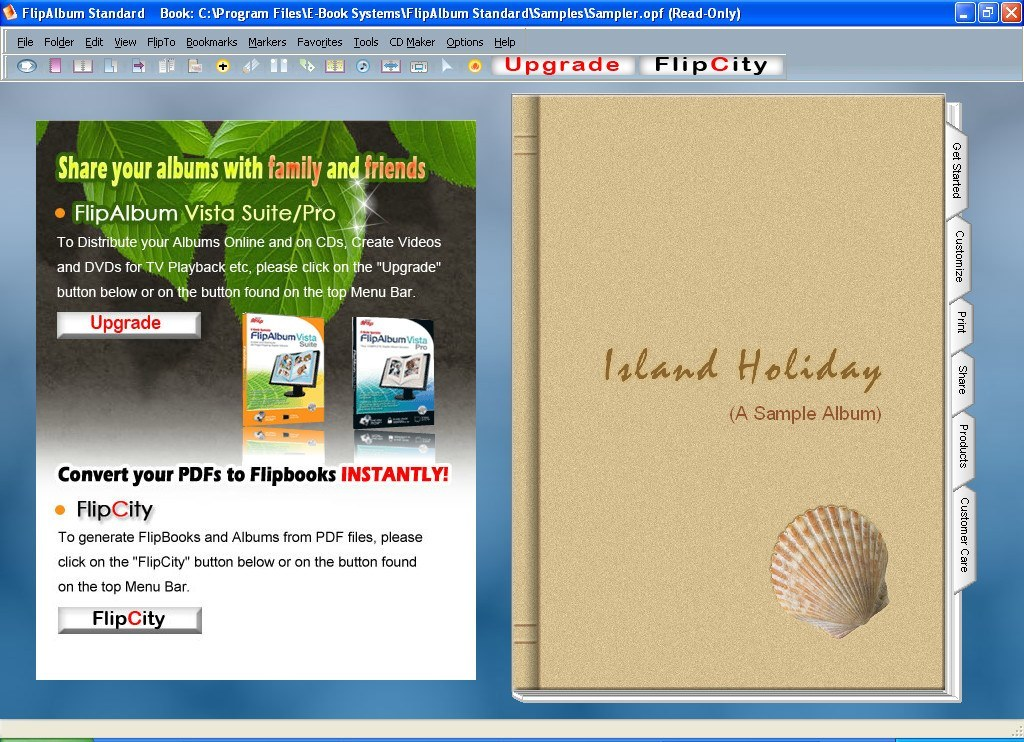
Sharing and Distribution
Once an album was complete, FlipAlbum Vista Suite provided multiple ways to share it. Users could:
- Publish to CD or DVD: The software would prepare the album files for burning onto a disc, which could then be shared with others. Crucially, the required player software to view the album was free to distribute, meaning recipients didn’t need to purchase the full program to enjoy the album.
- Upload to the Web: Albums could be published online, and the software even offered an option to upload an album directly to the company’s website, www.fliplibrary.com.
- Send via Email: The album could be packaged and sent as an email attachment.
Who Was It For?
FlipAlbum Vista Suite was aimed at a broad audience of photography enthusiasts and home users who wanted a more creative and polished way to present their digital memories. It was particularly useful for creating:
- Family photo albums: Compiling and sharing holiday or event photos in an engaging format.
- Portfolios: For artists and photographers looking to present their work in a stylish, interactive way.
- Catalogs and presentations: The Professional version of the software also allowed for commercial use, making it suitable for creating product catalogs to be distributed on CD.
Version History and Compatibility
The software went through several iterations. Early reviews of the “Suite 5” version noted its innovative concept but pointed out some usability shortcomings, such as the lack of integrated disc-burning software and minor translation issues. The “Vista Suite” was a later version designed for Windows Vista, but it also remained compatible with other Windows versions, including Windows 7 and Windows 10. The final version of the software was 7.0.4, with files signed as late as 2011.
Where Is FlipAlbum Now?
Like many software titles from the pre-cloud era, FlipAlbum Vista Suite is now a legacy product. It is no longer actively developed or supported by E-Book Systems. While the software may still be available for download from third-party archive sites, it should be considered obsolete for modern use. The file formats and distribution methods it relies on have been largely superseded by cloud-based photo sharing platforms like Google Photos, Apple iCloud, and social media.
Frequently Asked Questions (FAQs)
1. What was FlipAlbum Vista Suite used for?
It was a software program used to create digital photo albums with a realistic 3D page-flipping effect. Users could organize photos, add annotations, and share the albums on CD or online.
2. Who created FlipAlbum?
The software was developed and published by E-Book Systems Inc..
3. Is FlipAlbum Vista Suite still supported?
No, FlipAlbum Vista Suite is a legacy product that is no longer under active development or support by E-Book Systems. Its technology is outdated compared to modern cloud-based solutions.
4. Did it work on Windows 10?
While it was designed for Windows Vista, user data shows that many people were running it successfully on Windows 10 and Windows 7. However, as an older program, compatibility may not be guaranteed.
5. Could I add video to my album?
Yes, the software supported embedding multimedia objects, including video files in formats like AVI, WMV, and MPG, allowing for rich, multimedia presentations.
Conclusion
FlipAlbum Vista Suite was a product of its time, offering an innovative and visually appealing solution for organizing and sharing digital photos before the age of ubiquitous cloud storage. Its core idea—to make digital photo browsing feel as tactile and personal as flipping through a physical book—was a clever way to bridge the gap between the physical and digital worlds. While it has long been superseded by modern sharing platforms, it remains a nostalgic reminder of a period when creating a “digital album” was a more deliberate and creative process.



